Managed vs Self-Managed WordPress Hosting

%203.png&w=256&q=75)
What "Managed" Actually Means for WordPress
"Managed WordPress hosting" is a marketing term that means different things at different price points. At WP Engine ($25–$290/month), it means: Nginx caching layer, daily backups, security scanning, staging environments, and a team that handles server-level issues. At cheap shared hosting labeled "managed WordPress," it often means only an auto-installer and WordPress-specific support articles.
Self-managed means you control the infrastructure — you choose the cloud provider, the server size, the PHP version, the caching strategy. You're not self-managing the server OS or Nginx configuration line-by-line; tools like CloudStick handle that. Self-managed means you own the infrastructure decision, not that you spend your days editing config files.
Cost Comparison: Managed vs Self-Managed
The cost difference is substantial. WP Engine's starter plan ($25/month) covers 1 WordPress site, 25,000 monthly visits. Kinsta's starter ($35/month) covers 1 site, 25,000 visits. Both scale dramatically with site count — hosting 10 sites at WP Engine costs $115–$290/month.
The self-managed equivalent: a $12/month DigitalOcean Droplet (2GB RAM, 2 vCPUs) comfortably hosts 10–20 small-to-medium WordPress sites. Add CloudStick at $9/month for server management. Total: $21/month for unlimited sites on that server — versus $115–$290/month for 10 sites on managed hosting. The math strongly favors self-managed once you host more than 2–3 sites.
The honest trade-off: managed hosting charges a premium for server-level expertise and guaranteed support. If you're not comfortable debugging Nginx configs or handling a PHP-FPM worker exhaustion issue at 2am, that premium has real value. If you are (or have CloudStick handling server ops), you're paying for something you don't need.
Performance: Is Managed Hosting Faster?
WP Engine and Kinsta run EverCache and Nginx caching layers that deliver very fast page load times for cached content. A well-configured self-managed VPS with FastCGI cache in Nginx achieves comparable performance. The difference is that Kinsta and WP Engine configure this automatically; on a self-managed VPS you configure it yourself (or use CloudStick's built-in Nginx caching option).
Where managed hosting genuinely wins on performance: their infrastructure is on enterprise hardware with high-bandwidth connections, and their edge locations deliver globally. A $12/month DigitalOcean droplet in a single region won't beat WP Engine's CDN for users on the other side of the world. If your audience is global and page speed is critical, a Cloudflare CDN in front of your self-managed VPS closes most of this gap.
Control and Flexibility
Managed WordPress hosts lock you into their environment. WP Engine restricts certain plugins (those that conflict with their caching), limits SSH access, and controls PHP version rollouts. You can't install Redis in a custom configuration, modify Nginx headers, or run non-WordPress software on the same server. These restrictions exist to keep the platform stable — they're a reasonable trade-off for a single WordPress site run by a non-developer.
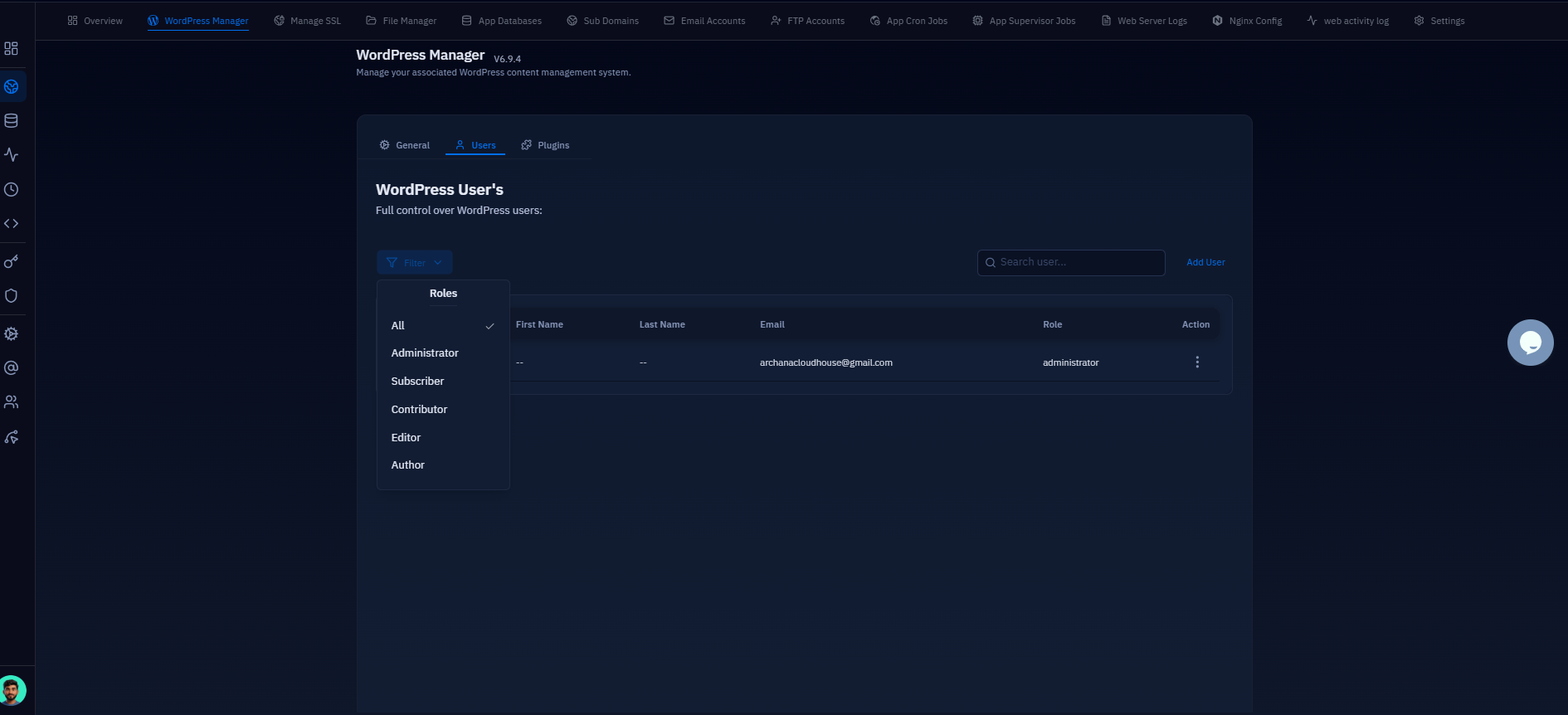
Self-managed gives you complete control: PHP version per site, custom Nginx headers, Redis object cache, server-side cron jobs, Node.js processes alongside WordPress — whatever your stack requires. CloudStick doesn't restrict what you can run on your server. You can manage CloudStick-managed sites alongside manually configured apps on the same VPS, with full root SSH access at all times.
Who Should Use Managed vs Self-Managed
Choose managed WordPress hosting (WP Engine, Kinsta) if: you're running 1–2 business-critical sites, you have no in-house server expertise, and the cost premium is easily absorbed by the business. The convenience is real and the support guarantee has value.
Choose self-managed with CloudStick if: you're hosting multiple sites (2+ makes the economics work), you need custom server configurations, you're an agency managing client sites, or you want to keep your infrastructure costs predictable regardless of how many sites you add. CloudStick gives you the dashboard convenience of managed hosting at flat per-server pricing — $9/month for a server with 1 site or 50 sites.