Choosing the Best Server Stack for WordPress

%203.png&w=256&q=75)
The Three Stacks: LEMP, LAMP, and OpenLiteSpeed
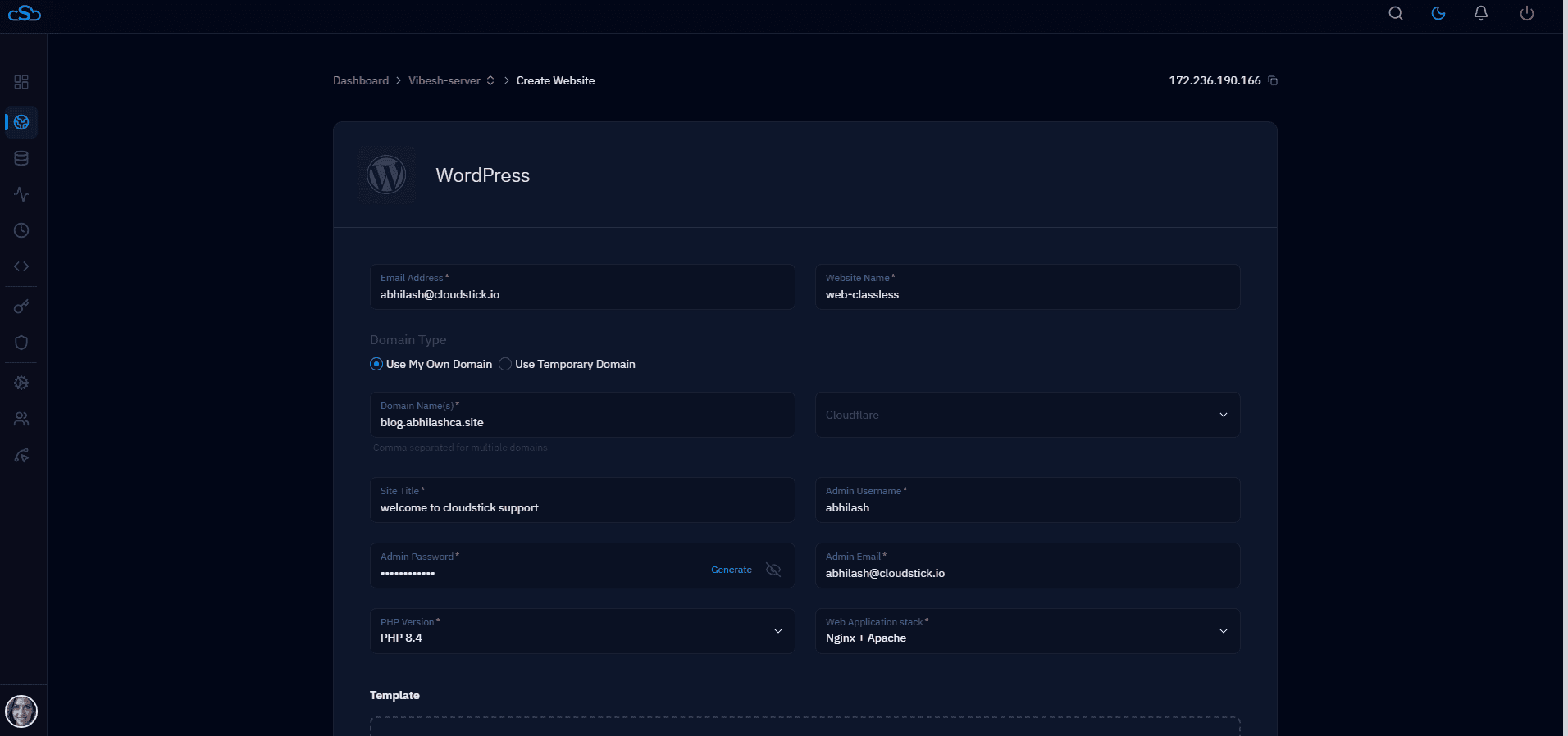
The server stack defines how your VPS serves PHP files and static assets. Three stacks dominate WordPress deployments in 2026: LEMP (Linux, Nginx, MySQL, PHP), LAMP (Linux, Apache, MySQL, PHP), and OpenLiteSpeed. LEMP is the default for new deployments and the stack used by CloudStick, RunCloud, and GridPane. LAMP is legacy infrastructure that many WordPress sites still run on. OpenLiteSpeed offers the highest raw throughput but requires more expertise.
The performance difference is real but smaller than the internet suggests. On a properly tuned server, a 1GB VPS running Nginx serves 800–1,200 concurrent WordPress requests per second with OPcache enabled. Apache 2.4 with mpm_event and the same tuning achieves 600–900. OpenLiteSpeed hits 1,400–1,800. The gap matters at scale — but at 10,000 monthly visitors, stack choice is irrelevant compared to database query optimization.
Choose LEMP unless you have a specific reason not to: it has the most documentation, the widest tooling support, and the most predictable behavior across cloud providers. This guide focuses on LEMP with PHP 8.3-FPM and MySQL 8.0 — the production-recommended stack as of 2026.
LEMP Stack Installation
Install the full LEMP stack for WordPress on Ubuntu 24.04. The PHP 8.3 PPA provides the latest stable PHP version with all required extensions:
Ubuntu 24.04 LTS (Noble Numbat) or Ubuntu 22.04 LTS. The Ondrej PPA provides PHP 8.3 on both. For Debian 12 (Bookworm), use deb.sury.org instead of the Ondrej PPA.
PHP-FPM Configuration for WordPress
PHP-FPM's default pool configuration is not optimized for WordPress. Edit /etc/php/8.3/fpm/pool.d/www.conf and set:
The pm.max_children formula: take your available RAM in MB, subtract 200MB for the OS and Nginx, divide by 40MB (typical per-worker memory for WordPress). For a 1GB VPS: (1024 - 200) / 40 = 20 workers. For a 2GB VPS: (2048 - 200) / 40 = 46 workers. CloudStick calculates this automatically when you configure PHP settings through the dashboard.
OPcache: The Single Biggest WordPress Performance Win
OPcache compiles PHP files once and caches the bytecode in memory — subsequent requests skip the parse step entirely. For WordPress (which loads 200–400 PHP files per request), this is the single largest performance improvement available. Without OPcache, a WordPress page takes 80–200ms to generate. With OPcache warmed up, the same page generates in 20–60ms.
Configure OPcache in /etc/php/8.3/fpm/conf.d/10-opcache.ini:
After deploying new WordPress code (plugin updates, theme changes), OPcache must be flushed or the old bytecode will continue serving. Add opcache_reset() to your deployment script, or use WP-CLI: wp eval 'opcache_reset();'.
MySQL InnoDB Tuning for WordPress
WordPress stores all content, settings, and metadata in MySQL. The default MySQL configuration is conservative — designed for shared hosting with many databases. Tune it for dedicated WordPress use in /etc/mysql/mysql.conf.d/mysqld.cnf:
Stack Recommendation by Use Case
LEMP (Nginx + PHP-FPM + MySQL) is the right choice for 95% of WordPress deployments. It's what CloudStick configures automatically — every server you add to CloudStick gets a production-tuned Nginx + PHP 8.3-FPM + MySQL 8.0 stack, with OPcache enabled and PHP-FPM workers calculated from your available RAM.
For agencies hosting 20+ WordPress sites on a single server, add Redis as an object cache layer between MySQL and PHP. This eliminates repeated database queries for common WordPress data (menus, options, widget settings). CloudStick's one-click Redis installation configures the object cache automatically and sets WP_REDIS_HOST in wp-config.php for all sites. The result: 40–60% fewer MySQL queries and faster page generation on every WordPress site on the server.