How Much RAM Does a WordPress Site Really Need?


%203.png&w=256&q=75)
The Short Answer
A single WordPress site needs 512MB–1GB of server RAM. A WooCommerce store needs 1–2GB. Hosting 5–10 WordPress sites on one server needs 2–4GB. These aren't marketing numbers — they come from how PHP-FPM allocates memory per worker and how many concurrent requests your site handles.
The worst-case scenario is running out of PHP-FPM workers: when all workers are busy handling requests, new visitors get queued. If the queue fills up, visitors start seeing 502 or 504 errors. RAM determines how many workers you can run, which determines how much concurrent traffic your WordPress site can handle without dropping requests.
What Actually Consumes RAM on a WordPress Server
RAM on a WordPress VPS is divided between: the OS (Ubuntu needs ~150MB idle), Nginx (20–40MB), MySQL (150–400MB depending on innodb_buffer_pool_size), PHP-FPM workers (30–60MB each), and OPcache (256MB recommended). Every active PHP-FPM worker is serving one concurrent request.
On a 1GB VPS: 150MB (OS) + 30MB (Nginx) + 256MB (OPcache) + 256MB (MySQL buffer pool) = 692MB before a single PHP-FPM worker starts. That leaves ~332MB for workers at ~50MB each — roughly 6 concurrent requests. Add a swap file to handle traffic spikes without crashing, but know that swap is significantly slower than RAM.
Calculating PHP-FPM Workers from RAM
Check actual PHP-FPM worker memory usage with this command — more accurate than using a fixed estimate:
RAM by Site Type
Not all WordPress sites have the same RAM requirements. Plugin count and traffic pattern matter as much as raw visitor numbers:
Brochure/blog site (5–20 plugins): 512MB–1GB RAM. At this level, a 1GB DigitalOcean Droplet ($6/month) with a properly sized PHP-FPM pool handles up to 50,000 monthly visitors with Nginx FastCGI caching enabled. Without page caching, the same server handles ~5,000–10,000 monthly visitors comfortably.
WooCommerce store (20–50 plugins): 1–2GB RAM. WooCommerce pages can't be fully cached (cart, checkout, account pages bypass cache), so every product page view potentially hits PHP-FPM. Per-worker memory also rises to 60–80MB with WooCommerce loaded. A 2GB server gives you 15–20 workers — enough for modest to mid-traffic stores.
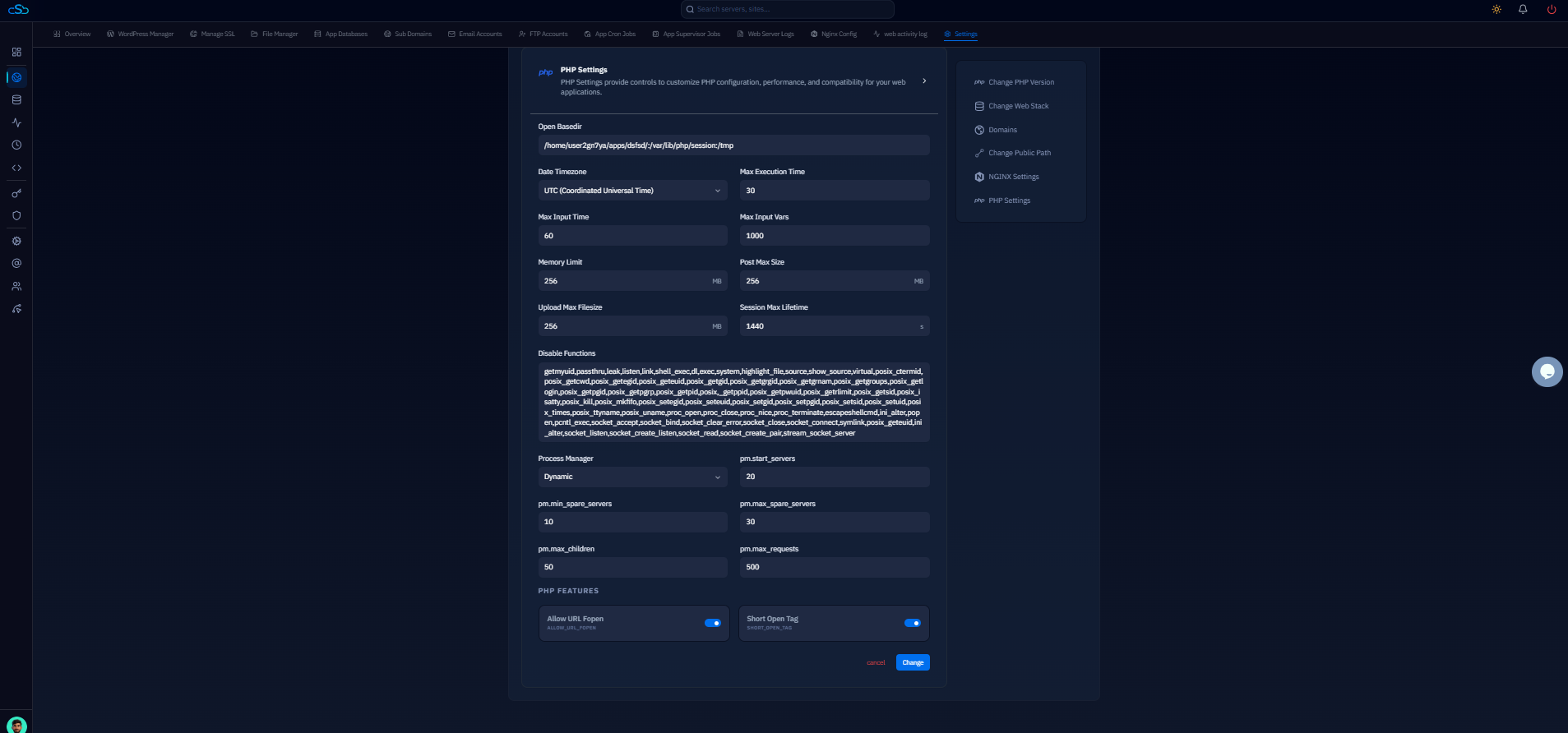
Multiple WordPress sites (5–15 sites): 2–4GB RAM. CloudStick's per-site PHP-FPM pools isolate memory per site and prevent one busy site from stealing workers from others. With Redis object cache shared across sites, MySQL queries drop significantly — the same RAM budget supports more concurrent traffic.
When to Upgrade RAM vs. Optimize
Before upgrading RAM, check: is OPcache enabled? Is Nginx FastCGI page caching configured? Is the MySQL innodb_buffer_pool_size sized appropriately? Is Redis running as an object cache? These optimizations can double effective server capacity without a hardware change.
Signs you actually need more RAM: free -m shows available memory consistently under 100MB, swap usage is above 0 regularly (not just spike-and-recover), or pm.status shows your PHP-FPM pool at max capacity with a backlog queue. CloudStick's server monitoring dashboard shows memory usage over time, so you can identify whether a RAM upgrade is actually warranted versus a configuration optimization solving the same problem.