How to Install a LEMP Stack on Ubuntu 24.04

%203.png&w=256&q=75)
What the LEMP Stack Is and Why It Powers Modern Web Hosting
LEMP stands for Linux, Nginx (pronounced Engine-X), MySQL, and PHP. It is the standard server stack for PHP-based web applications — WordPress, Laravel, Magento, Drupal — and the most efficient alternative to the older LAMP stack that used Apache instead of Nginx.
The core advantage of Nginx over Apache is its event-driven architecture. Apache spawns a process or thread for each HTTP connection. Nginx handles thousands of connections in a single worker process using non-blocking I/O. Under real load, an Nginx server serving 1,000 concurrent connections uses roughly the same RAM as Apache serving 10. For WordPress sites with even moderate traffic, this difference is the line between a site that stays up and one that OOM-crashes at 3am.
You need a freshly provisioned Ubuntu 24.04 VPS with a non-root sudo user, UFW firewall enabled (ports 22, 80, 443 open), and at least 1 GB RAM. Complete the initial server setup first — connecting to a CloudStick-managed server is even easier, as CloudStick installs and configures the entire LEMP stack for you automatically.
Step 1: Installing and Configuring Nginx
Ubuntu 24.04's default apt repositories include Nginx 1.24. This version is stable, well-supported, and sufficient for the vast majority of production workloads. Install it, enable the systemd service to start on boot, and verify it is running.
If the curl request times out, check your UFW rules: sudo ufw allow 80/tcp. Nginx's default page at /var/www/html/index.nginx-debian.html confirms the installation is working.
Step 2: Installing MySQL 8.0 and Running the Security Script
MySQL 8.0 is available in Ubuntu 24.04's default repositories. After installation, always run mysql_secure_installation — this interactive script removes anonymous users, disallows remote root login, removes the test database, and reloads privileges. Skipping it leaves your database in an insecure default state.
For WordPress and Laravel, always create a dedicated database user instead of using root. Run these MySQL commands: CREATE USER 'appuser'@'localhost' IDENTIFIED BY 'strong-password'; GRANT ALL PRIVILEGES ON appdb.* TO 'appuser'@'localhost'; FLUSH PRIVILEGES; — This limits the blast radius if the application is ever compromised.
Step 3: Installing PHP 8.3 with FPM and Extensions
PHP-FPM (FastCGI Process Manager) is the required bridge between Nginx and PHP. Unlike Apache's mod_php, which runs PHP inside the web server process, PHP-FPM manages a separate pool of PHP workers. Nginx passes .php requests to these workers via a Unix socket, which is faster and more secure than TCP.
Ubuntu 24.04's default repos include PHP 8.3. For the latest minor versions, add the Ondrej Sury PPA — it is the standard source for up-to-date PHP packages on Debian/Ubuntu and is used by CloudStick's own installation scripts.
Step 4: Configuring Nginx to Use PHP-FPM and Testing the Stack
Nginx does not know how to execute PHP by default. You need to configure it to pass .php file requests to the PHP-FPM Unix socket. Create or modify the server block in /etc/nginx/sites-available/default:
Never leave a phpinfo() page on a production server. It exposes your PHP version, compiled extensions, environment variables, and server configuration to anyone with the URL — the kind of information that makes a server significantly easier to attack.
Deploy a Full LEMP Site in Minutes with CloudStick
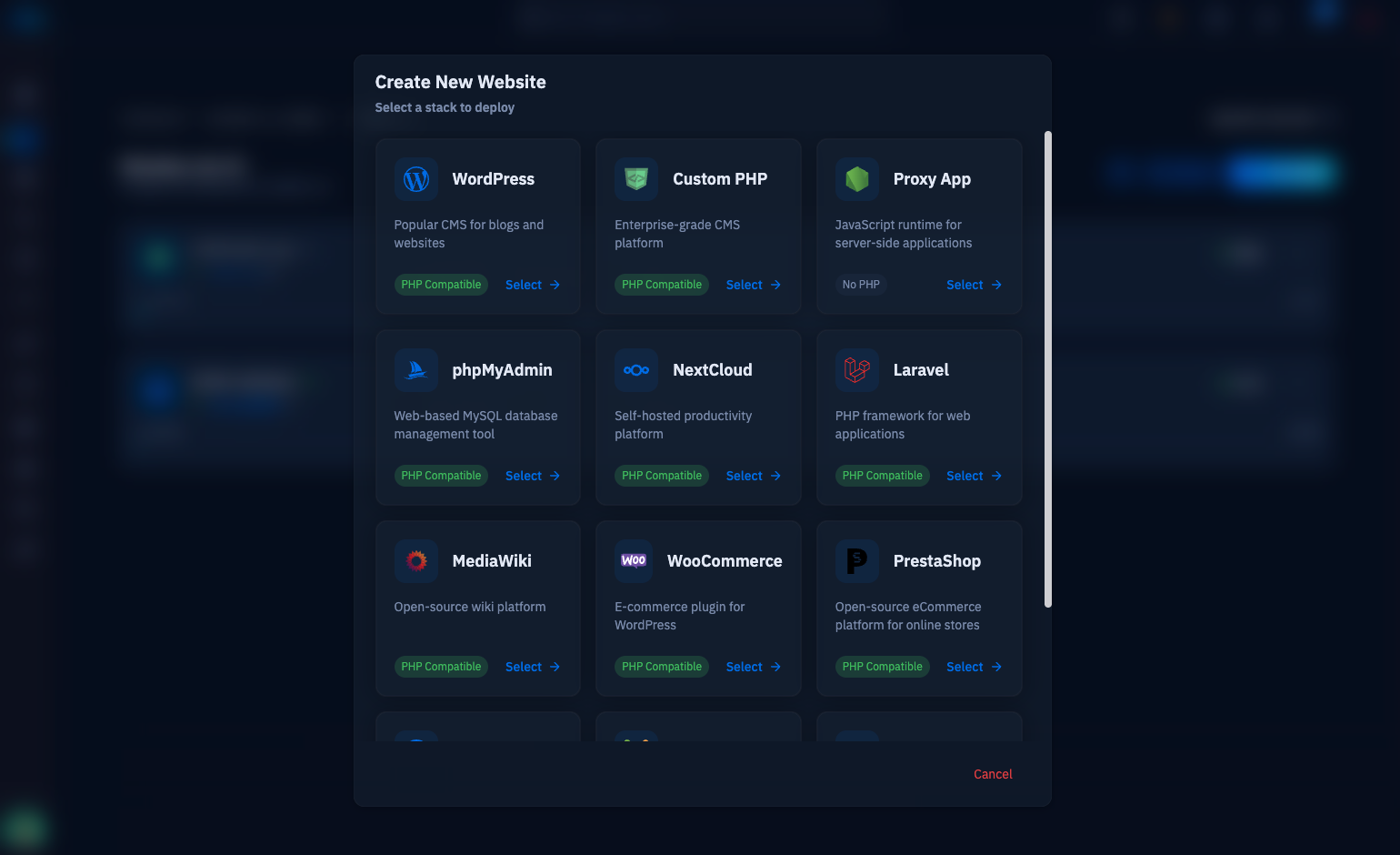
Manual LEMP installation takes 20-30 minutes and is error-prone — it is easy to miss a PHP extension, misconfigure the PHP-FPM socket path, or forget to run the MySQL security script. CloudStick automates the entire stack installation and configuration when you connect a new server to the dashboard.
For each website you create in CloudStick, it generates a dedicated Nginx server block and a dedicated PHP-FPM pool — isolated per site, with correct file permissions and no cross-site access. CloudStick's EasyPHP section lets you install or remove individual PHP extensions for any version with one click from the dashboard, replacing the need to run apt install php8.3-extension and restart FPM manually.
The Visual Database Manager in CloudStick provides a web-based MySQL interface — no phpMyAdmin installation required, no security configuration overhead. Create databases and users, run queries, and manage tables directly from the CloudStick dashboard with the same per-site isolation model.