Initial Server Setup on Ubuntu 24.04: A Step-by-Step Checklist

%203.png&w=256&q=75)
Step 1: Create a Non-Root Sudo User
Working as root is dangerous — a single mistyped command can wipe your server. The first thing to do after first login is create a regular user with sudo privileges. This user will be your day-to-day account for all server operations.
Now that you have a sudo user, all privileged commands go through sudo — which logs them and forces a password confirmation.
Step 2: Set Up SSH Key Authentication
Password-based SSH logins are vulnerable to brute-force attacks. SSH key authentication eliminates that risk because an attacker would need your private key file, not just a guessable password.
Run ssh-copy-id from your local machine before disabling password auth. If you lock yourself out, you will need to use your cloud provider's console (serial console or rescue mode) to recover.
Step 3: Enable UFW Firewall
Ubuntu 24.04 ships with UFW available but inactive. Three rules cover the vast majority of production servers: allow SSH, HTTP, and HTTPS — block everything else.
If you run additional services (MySQL on 3306, Redis on 6379), add allow rules only for trusted source IPs: sudo ufw allow from TRUSTED_IP to any port 3306.
Step 4: Enable Automatic Security Updates
Security vulnerabilities in system packages are discovered constantly. Unattended-upgrades applies security patches automatically, so your server stays protected even if you forget to run apt upgrade manually.
Edit /etc/apt/apt.conf.d/50unattended-upgrades to configure automatic reboots during a maintenance window. Set Unattended-Upgrade::Automatic-Reboot-Time to "03:00" and Unattended-Upgrade::Automatic-Reboot to "true".
Step 5: Sync the System Clock
Correct server time matters for SSL certificate validation, log timestamps, cron jobs, and authentication protocols like JWT and OAuth. Ubuntu 24.04 uses systemd-timesyncd for NTP sync by default, but you should verify it is active and configured correctly.
Step 6: Connect CloudStick as Your Management Layer
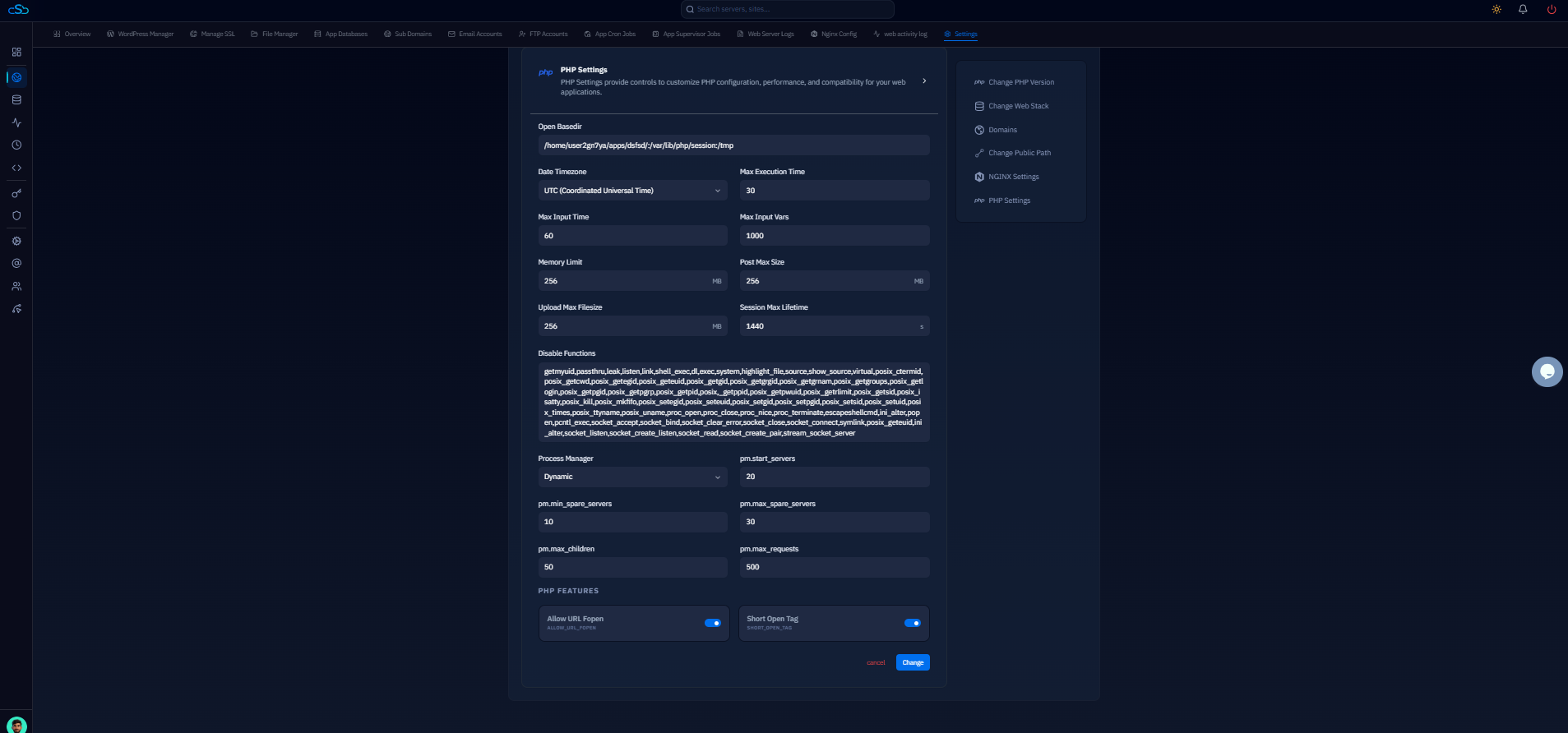
All of the above steps harden the OS layer. CloudStick sits on top of that as a web-based management layer — handling site creation, SSL, PHP version switching, backup scheduling, firewall rules, and team access without requiring you to SSH in again.
From your CloudStick dashboard, click “+ Add Server” → “Connect Your Own Server”. Copy the one-line bash command and run it on your server as the sudo user. The installation takes under two minutes. CloudStick's Sudo & System User Management section in the dashboard mirrors what you set up in Step 1, letting you manage users and permissions without a command line.