How to Host Multiple WordPress Sites on One Server

%203.png&w=256&q=75)
The Right Architecture for Multiple WordPress Sites
Hosting multiple WordPress sites on one VPS is straightforward — it's how cPanel-based shared hosting has worked for 20 years. The modern approach without cPanel uses Nginx virtual hosts for routing, separate PHP-FPM pools per site for isolation, and separate MySQL databases per site for security. Each site is fully isolated: a security breach on one site doesn't compromise the others.
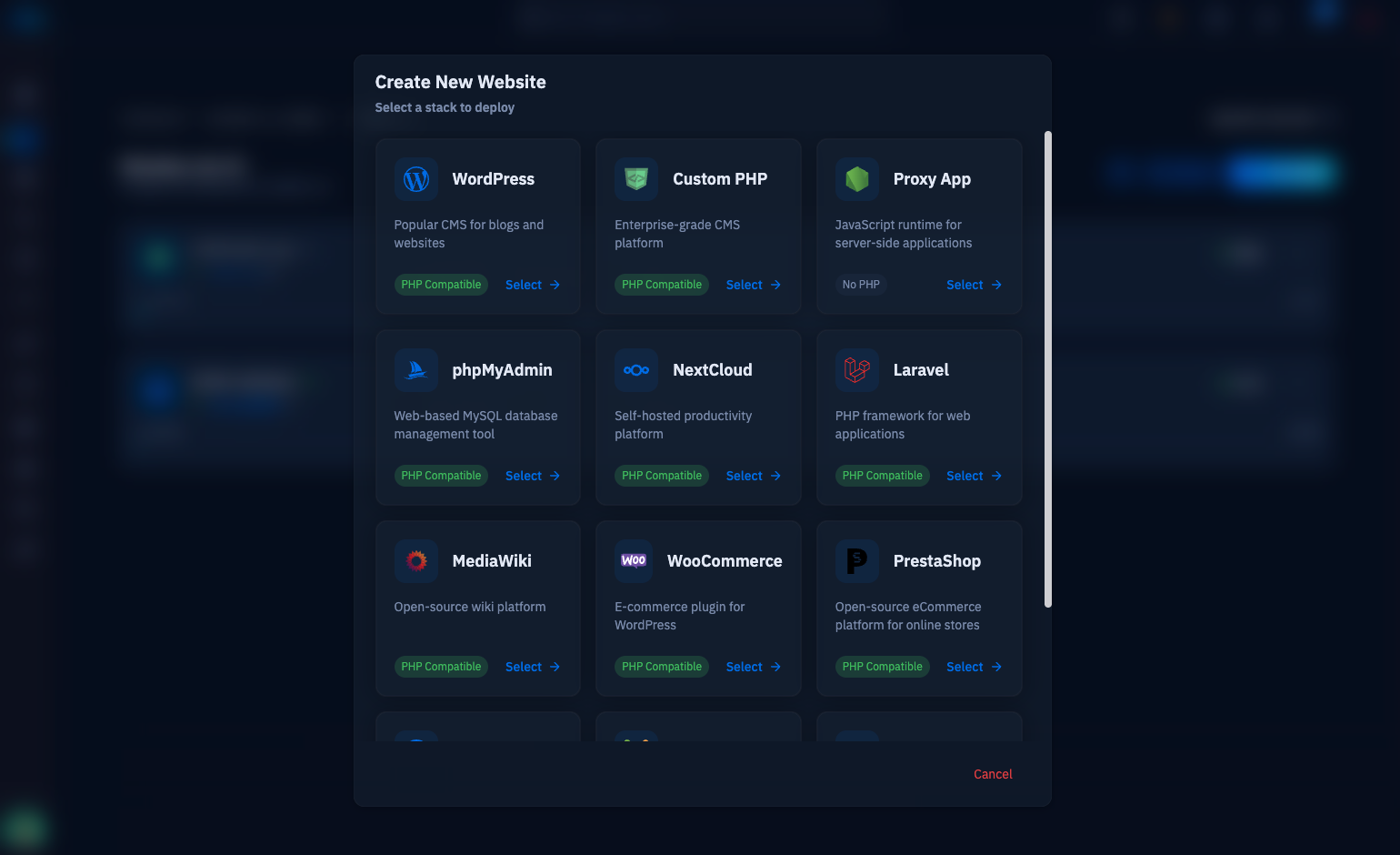
CloudStick manages this architecture automatically — every website you add to a server gets its own Nginx virtual host, PHP-FPM pool, and database. The guide below shows the manual implementation so you understand what CloudStick is doing under the hood.
Ubuntu 24.04 with Nginx, PHP 8.3-FPM, and MySQL installed. A 2GB VPS comfortably hosts 5–15 small-to-medium WordPress sites. Plan ~120–150MB RAM per site (PHP-FPM workers + MySQL buffer pool share). DNS for both domains must point at the server IP before running Certbot.
Creating Nginx Virtual Hosts
Each WordPress site needs its own Nginx server block file. The server_name directive tells Nginx which domain routes to which document root:
Create a separate file for each site, then enable all of them:
Isolated PHP-FPM Pools Per Site
Running all sites through the default www PHP-FPM pool creates a security and stability risk: if one site exhausts all PHP workers, all other sites go down simultaneously. Create a separate pool for each site in /etc/php/8.3/fpm/pool.d/site1.conf:
Each pool runs as a separate Linux user (site1user, site2user), preventing one site's PHP process from reading another site's files. This is the same isolation model that CloudStick uses — each website gets a dedicated system user, PHP pool, and Unix socket.
Per-Site MySQL Databases
Create separate MySQL databases and users for each WordPress installation. If one site is compromised at the PHP level, the attacker can only access that site's database — not all others on the server:
File Permissions for Multi-Site Security
Each site's document root should be owned by its dedicated user, with Nginx able to read (but not write) the files. WordPress needs write access only to wp-content/:
Managing Multiple Sites Through CloudStick
CloudStick was built specifically for multi-site server management. Every website you create in CloudStick automatically gets the full isolated architecture described in this guide — dedicated Nginx virtual host, isolated PHP-FPM pool with its own Unix socket, separate MySQL database and user, correct file permissions with a dedicated system user. The manual setup in this guide takes 20–30 minutes per site. CloudStick does it in under 60 seconds.
For agencies hosting 10–50 client sites on a single server, CloudStick adds team access controls per site, individual SSL management per domain, per-site backup scheduling, and a site cloning feature for quickly deploying new client sites from a template. The $9/month server plan covers unlimited sites — unlike cPanel's per-account billing model, adding your 50th site to CloudStick costs the same as adding the first.