WordPress Multisite vs Separate Installs

%203.png&w=256&q=75)
What WordPress Multisite Actually Is
WordPress Multisite is a feature built into WordPress core that lets one WordPress installation run multiple websites. All sites share a single codebase, a single plugin/theme directory, and a single database (with separate tables per site). The network superadmin manages plugins, themes, and updates across all sites from one dashboard.
It was designed for scenarios like university networks (hundreds of department sites sharing one WordPress install), media companies (multiple publications under one editorial system), or franchise businesses (one brand, many location pages). These are all cases where the sites are closely related and managed centrally.
WordPress Multisite can run in two modes: subdomain (site1.yourdomain.com) or subdirectory (yourdomain.com/site1). Domain mapping (separate domains for each sub-site) is possible via a plugin but adds complexity.
WordPress Multisite: Pros and Cons
Pros: Update WordPress core, plugins, and themes once for all sites simultaneously. Manage user accounts across all sites from a single database. Lower disk usage — one codebase instead of 10 copies. Easier to enforce consistent plugin configurations network-wide.
Cons: Not all plugins are Multisite-compatible — some store data in ways that conflict with the shared database model. A critical error in a plugin update can take down all sites simultaneously (this almost never happens with separate installs). Moving one site out of the Multisite network is complex. WooCommerce on Multisite has significant limitations. Backup and restore at the per-site level is more complex than with separate installs.
Multisite is enabled by adding define( 'WP_ALLOW_MULTISITE', true ); to wp-config.php. After enabling it and running the network setup, WordPress generates additional wp-config.php entries and rewrites your .htaccess (Apache) or requires specific Nginx rewrite rules.
Separate WordPress Installs: Pros and Cons
Pros: Complete isolation — a broken plugin on one site doesn't affect others. Each site can run a different WordPress version, PHP version, or plugin set. Backup, restore, and migrate individual sites independently. Any plugin works — no Multisite-compatibility concerns. Moving a site to a different server is a straightforward database export + file copy.
Cons: Updates must be applied to each site individually (though WP-CLI and tools like CloudStick can automate this with batch update commands). Each site uses its own copy of WordPress core files (~50MB each). More database users, more document root directories to track.
The disk usage concern (separate installs) is largely moot in 2026 — 10 WordPress installs use ~500MB of disk at most, while even a $6/month VPS provides 25GB. The WordPress files themselves are not the disk concern; the database and media uploads are.
When to Use Multisite vs Separate Installs
Use WordPress Multisite when: all sites share the same brand/owner, you need network-wide user accounts (users log in once and access all sites), you want enforced plugin/theme consistency across sites, and your audience is internal (employees, students, franchise staff) rather than external clients who need site independence.
Use separate WordPress installs when: you're hosting client sites (clients need site independence), any site runs WooCommerce, sites need different plugin sets or different PHP versions, or you need straightforward per-site backups and restores. Separate installs are the default choice for agencies and freelancers hosting multiple client sites — and it's what CloudStick is optimized for.
The Agency Perspective
Agencies managing client WordPress sites almost universally use separate installs in 2026, even those who used Multisite in the early 2010s. The reasons are practical: client A and client B have entirely different plugin needs; Multisite creates cross-contamination risk that clients (understandably) object to; migrating a client away from your hosting becomes complex when their site is embedded in your Multisite network.
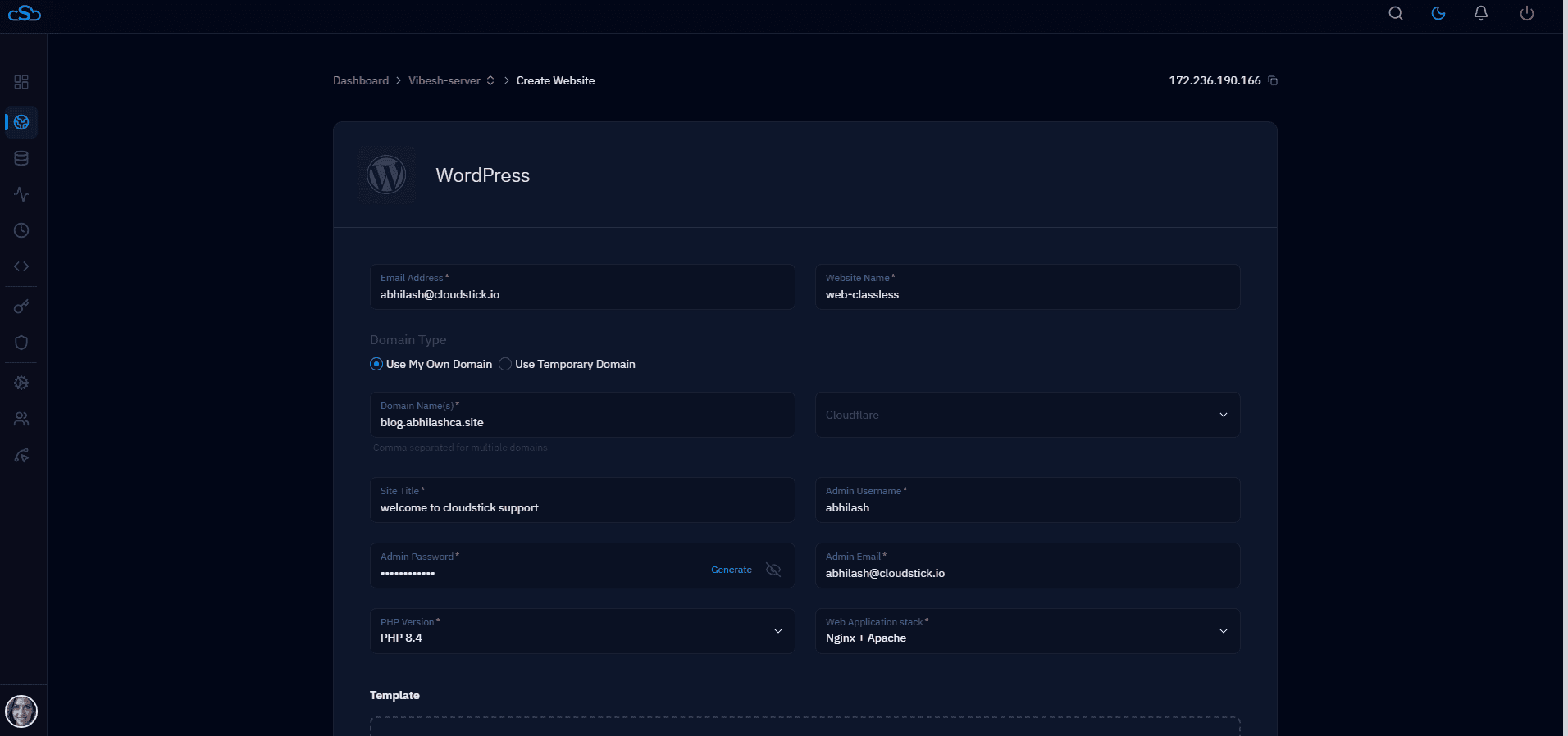
CloudStick is designed around this model: each client site is a separate WordPress install with its own PHP-FPM pool, database, and Nginx virtual host — but managed centrally from one dashboard. You can update WordPress core across all sites from CloudStick's server panel, schedule backups per site, and manage SSL for each domain individually. The isolation of separate installs, with the central management convenience of a platform — at $9/month per server, regardless of how many sites are on it.